*This article applies to the Classic Woobox campaign templates found at the bottom of the “New Site” creation screen.
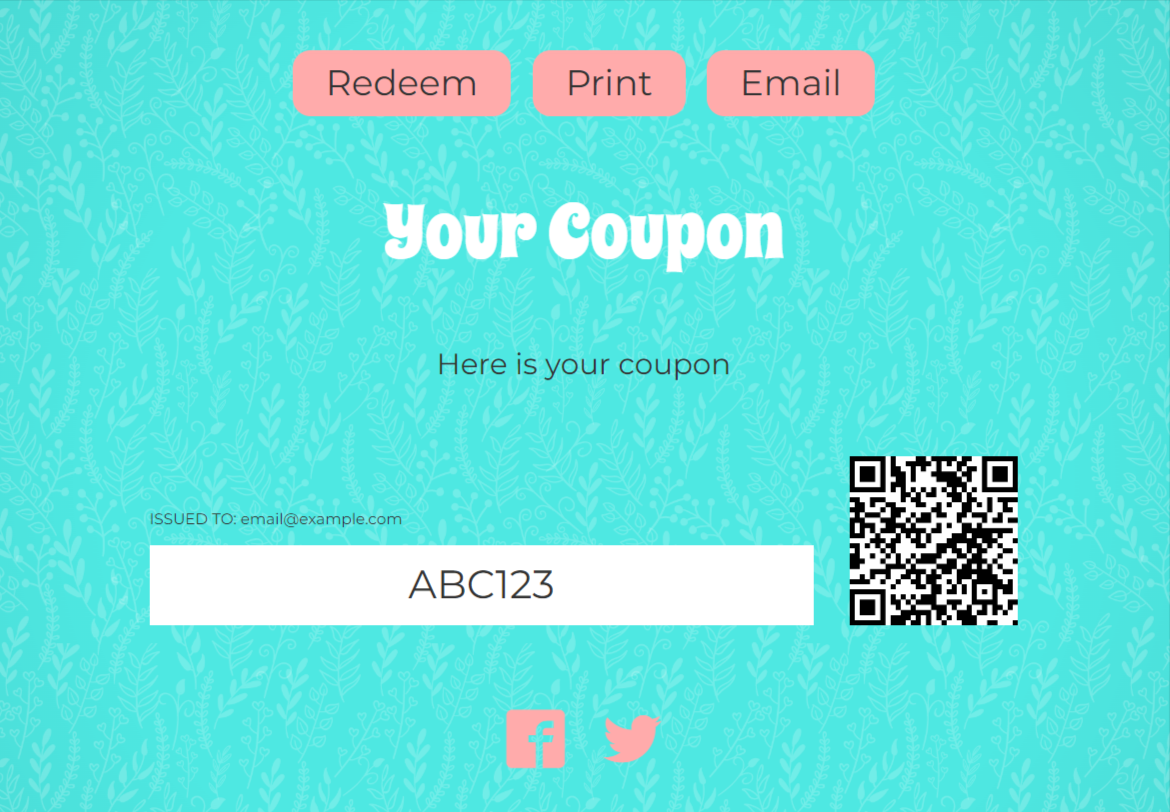
In a Coupon campaign or an Instant Win where unique vouchers are being awarded, you can add a Voucher Utility Bar element to the Voucher page to provide a link to your website where entrants can use their voucher, print the coupon, or email a copy to themselves.
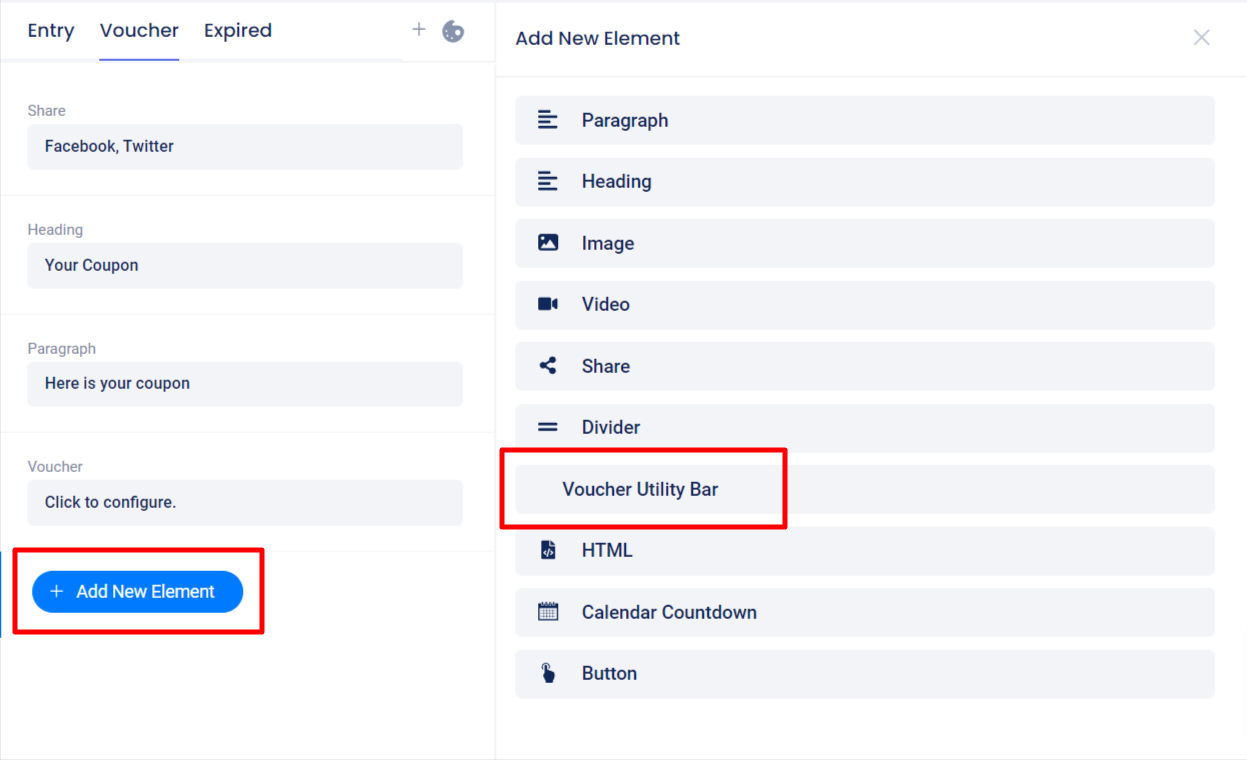
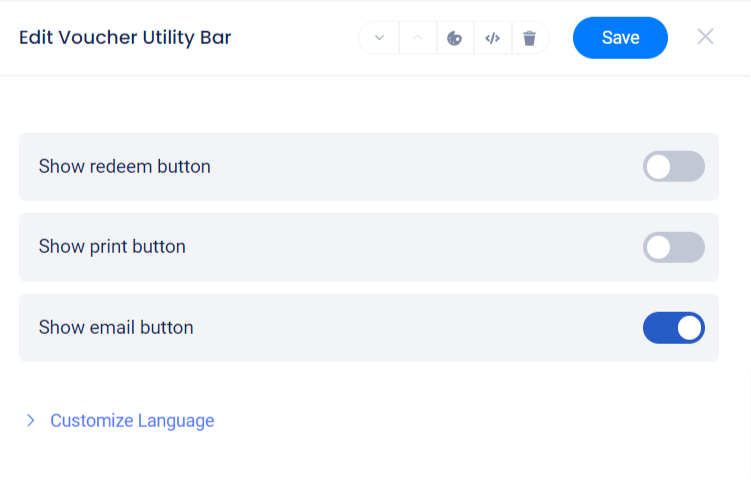
After enabling the Show Redeem Button toggle switch, enter the URL of the site where vouchers should be redeemed in the field where there the placeholder text was (if applicable).
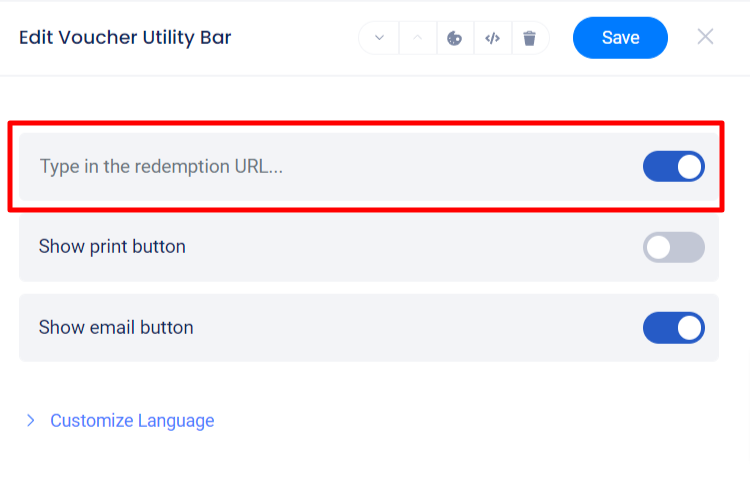
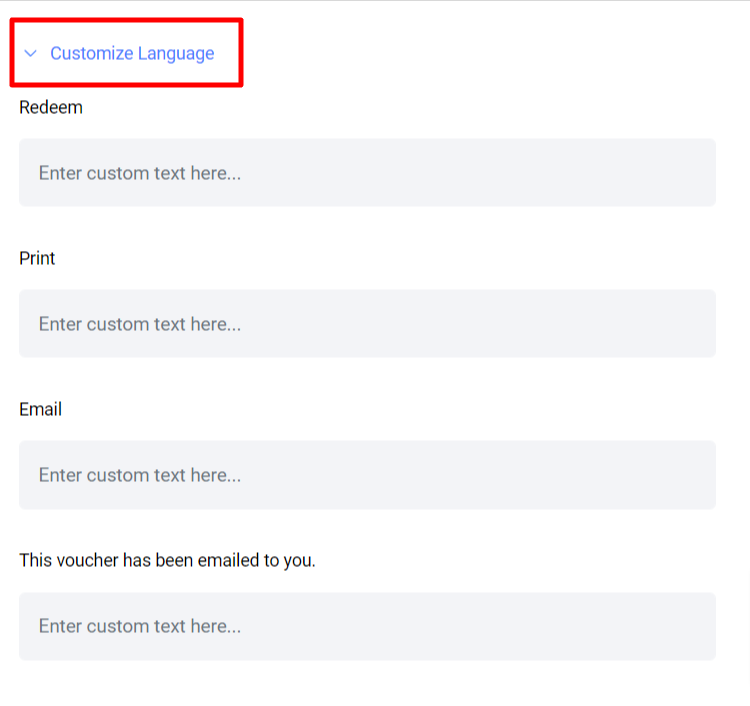
Click Customize Language to edit or translate button text or error messages.
Voucher Utility Element on the Voucher page: