Depending on the campaign type, you may have multiple choices.
To randomly select winners from all entrants, go to the Participants tab and click Pick Winner.

*In AI Builder Sites, this tab may be called “Responses“, “Entries“, or “Submissions“, depending on the type of site created.
On the popup, select the number of winners to be chosen (if more than one) select a date-range (if applicable) and click Pick Winner.
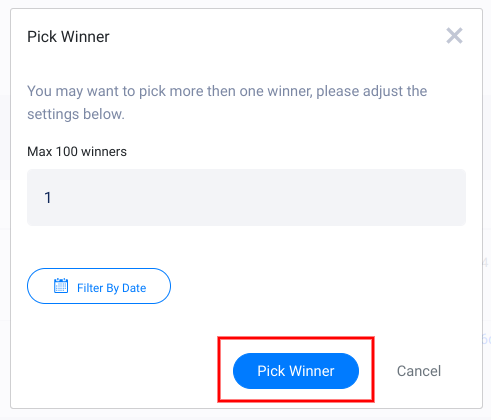
This lets you pick winners at random, choose one at a time, or multiple at once. You can also pick winners who entered between specific dates as well.
Winners will appear in the relevant tab under Winners or Picked. If needed, you can click the Unpick button to remove the winner and pick again. We do not post to your page or notify winners, so it’s up to you to contact or announce your winners.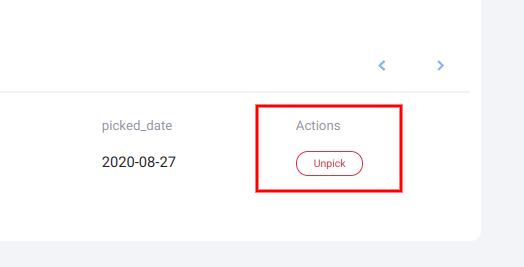
Top Votes – In a Photo, Video, or UGC contest, you can also choose winners based on highest vote counts. To see these entries, visit the Submissions tab and click Top Voted.

Referrals – If you are awarding bonus entries for referral in your campaign and want to manually award the entrants with the most referrals, export the Entries CSV and sort the email column by grouping like data to make totaling the cells easier.
Your campaign will not automatically contact winners when they’re chosen. You can send them a personalized email or contact them through other means (Facebook promotional guidelines do require you to contact them outside of Facebook, however).
Posts – If you imported a Facebook/Instagram Business Page, you can also pick winners from comments on your Facebook or Instagram posts. You can find more info on picking winners from posts here.