On (grandfathered) Standard plans, as well as Basic and Pro plans, only the billing admin can access campaigns/sites they have created. If there is a change in campaign management and you need to transfer a subscription, follow the instructions in this article.
To share access to campaigns, you will need to upgrade.
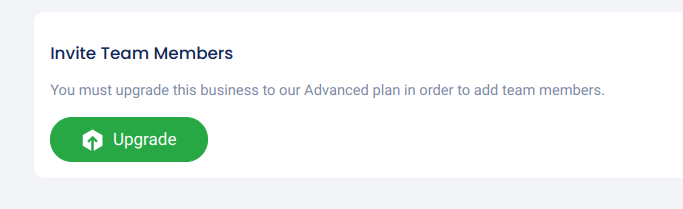
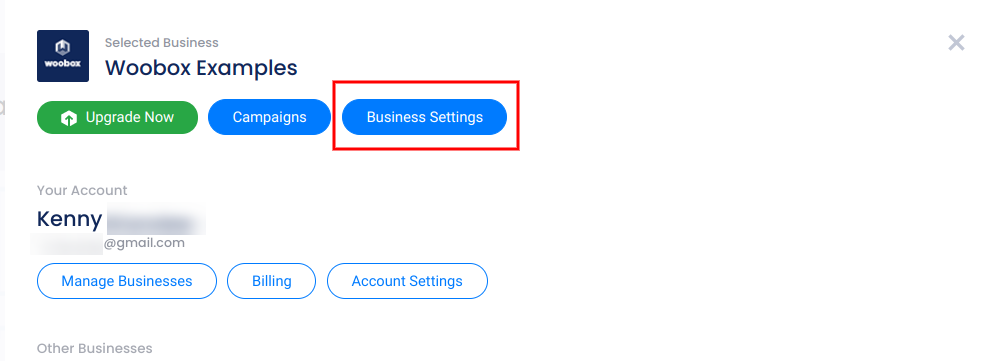
Advanced and Ultra plans allow for up to 5 admins with campaigns access. Power and Max plans accommodate unlimited admins. To invite or manage admins, go to the Business Settings section from your account panel.
Then click Team.
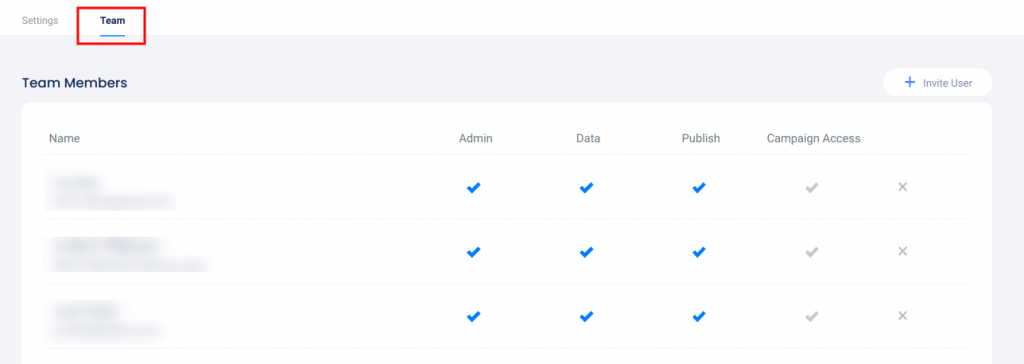
Team Members will need the Campaign Access permission in order to export data or publish sites. You can invite admins by clicking Invite User in the upper right corner, and remove admins with the X.