Deleting the Site or Campaign Landing Page
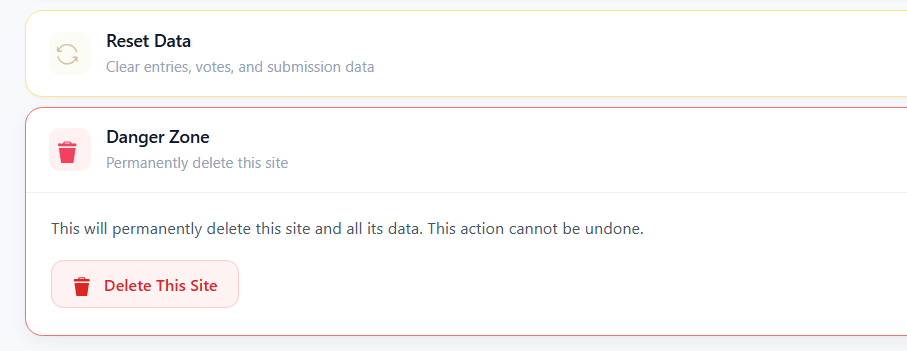
To completely delete/remove a site from your Woobox dashboard, simply click “Danger Zone: Permanently delete this site” at the bottom of the Settings tab. Then, confirm by clicking the “Delete this site” button.
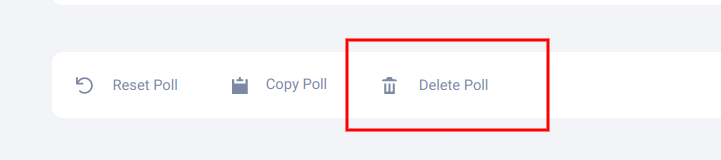
For Classic Campaign Templates, scroll to the bottom of the Settings tab, and click “Delete [campaign type]”
NOTE: Once a site or landing page is deleted, you will not be able to see the offer or any of its export data within your dashboard. Stored entry data, traffic stats, and uploads will be permanently purged.