Now that you’ve created, customized, and tested your campaign, all you need to do to publish it and start collecting data is to get your business on a paid plan. Here’s how:
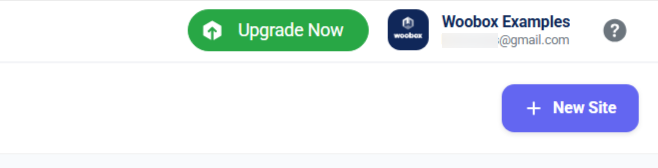
Click the Upgrade Now button in the upper right corner of your dashboard.
On the panel that opens, you can select from your saved payment methods, or add a payment method. To select from all available plan levels, click Show Other Plans.
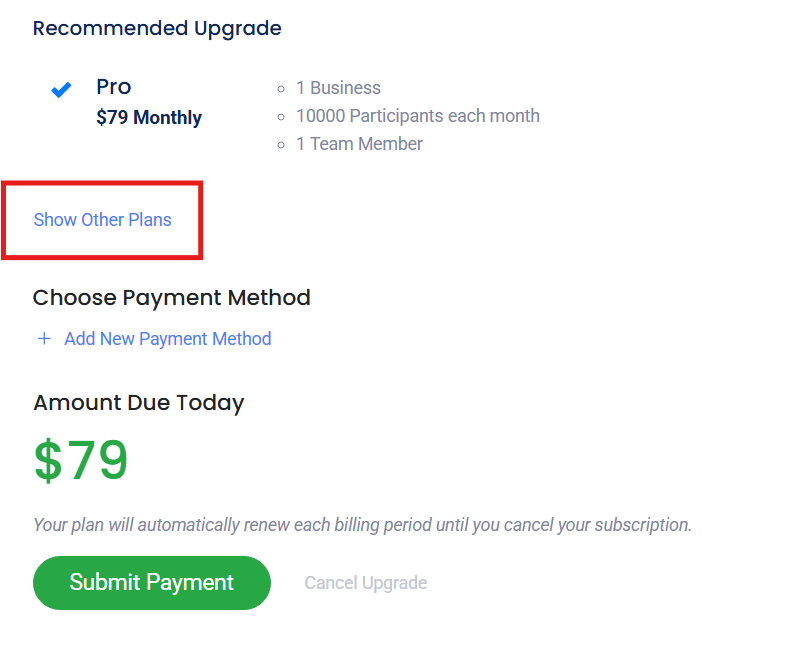
Once you have selected a payment method and a plan, click Submit Payment to begin your subscription.
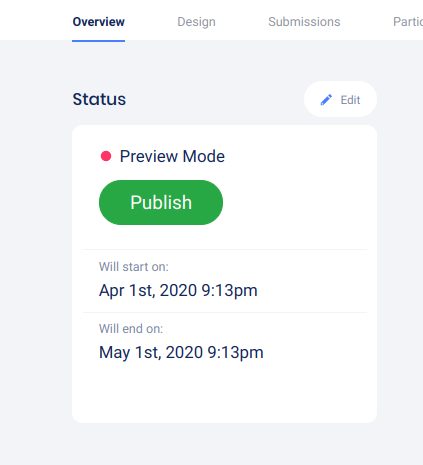
Your subscription is active immediately so you can go to your campaigns and click Publish to start promoting and accepting entries.
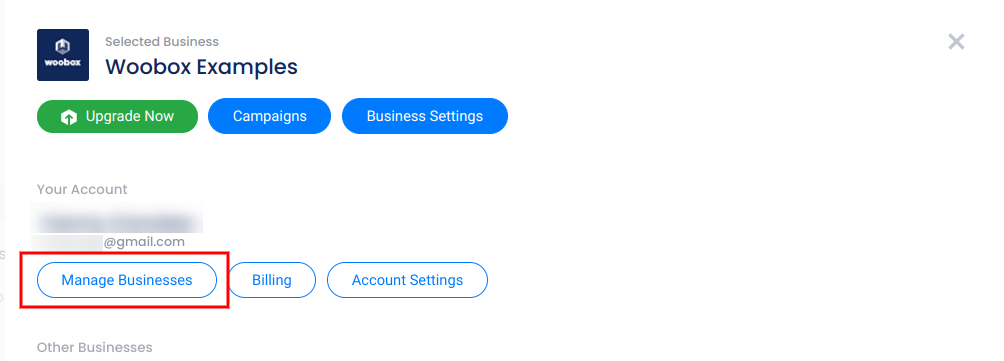
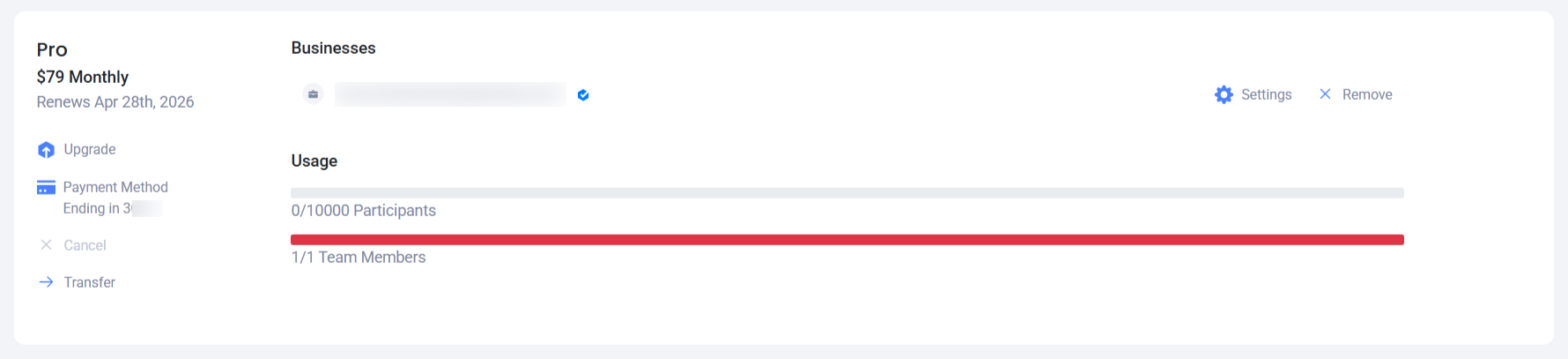
Information about your renewal date, participant count and other subscription management options can be found in Manage Businesses section of your dashboard.