Only imported Facebook/Instagram businesses can use the Winner Pickers. If you need to add an IG business to your account, see this article.
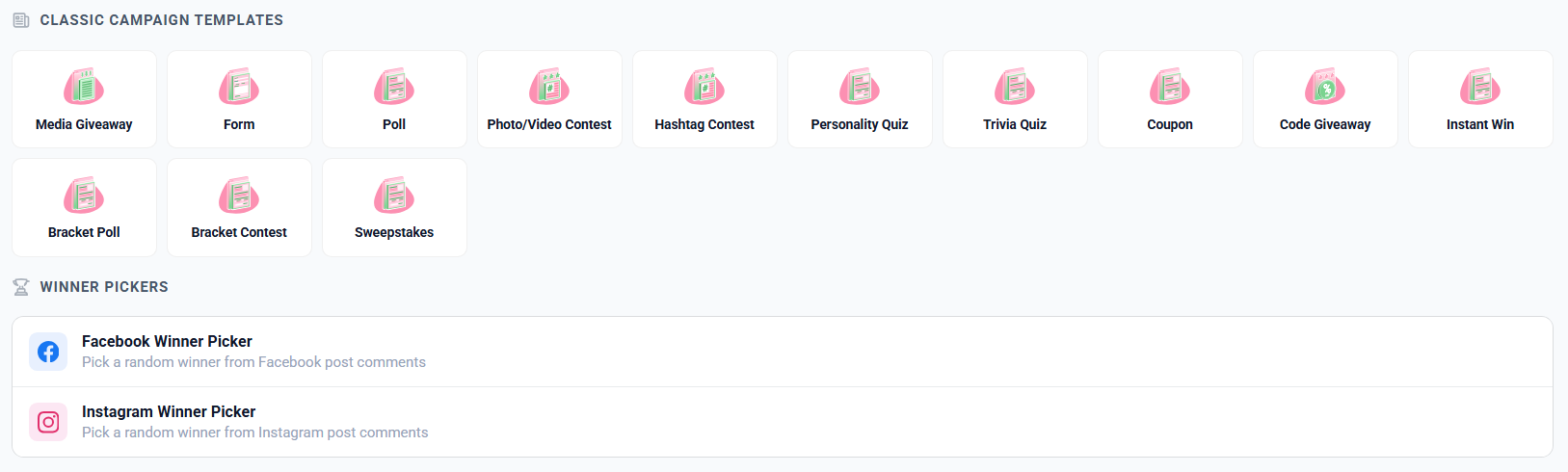
Just upload to IG with instructions in the caption for your fans to comment on the post for a chance to win. When you’re ready to pick winners, just login to your Woobox dashboard, and click the New Site button, then scroll to the bottom of the page, and select Instagram Winner Picker.
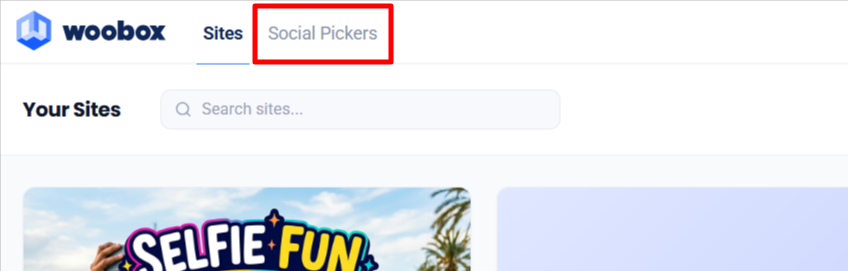
If you’ve previously used the Winner Picker, you can click the Social Pickers tab.
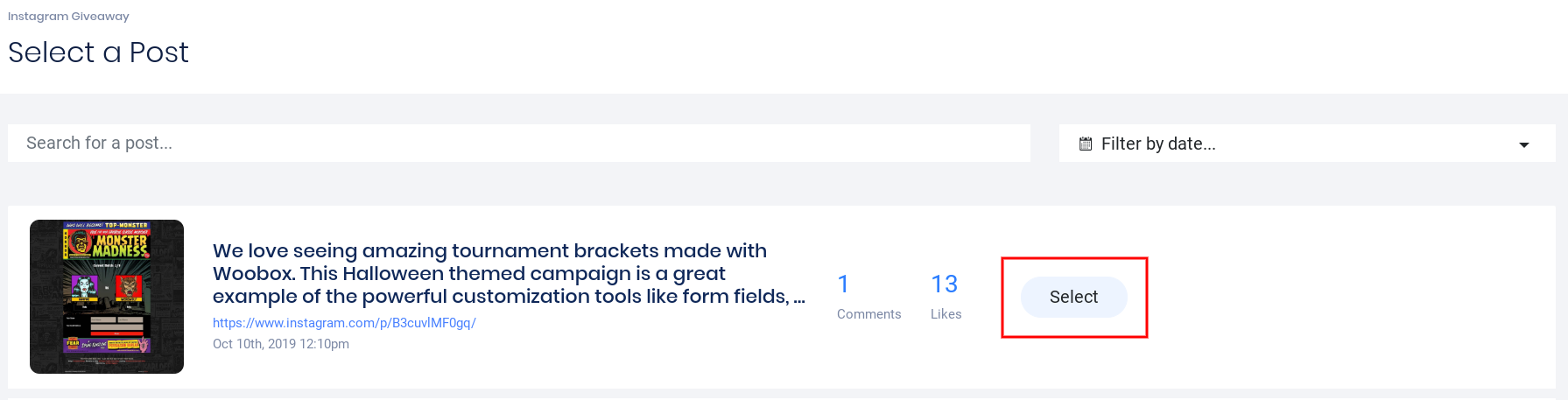
Find the contest post, and click on Select.
*Instagram will not return comments from Boosted Posts, Ads, Stories, etc. To sync all comments, be sure to choose an organic post*
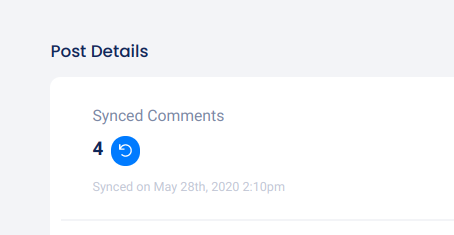
You can refresh/sync recent comments by clicking the refresh button under Synced Comments.
In the center of the screen, you can see the Performance section which shows a graph with comments and replies over time.
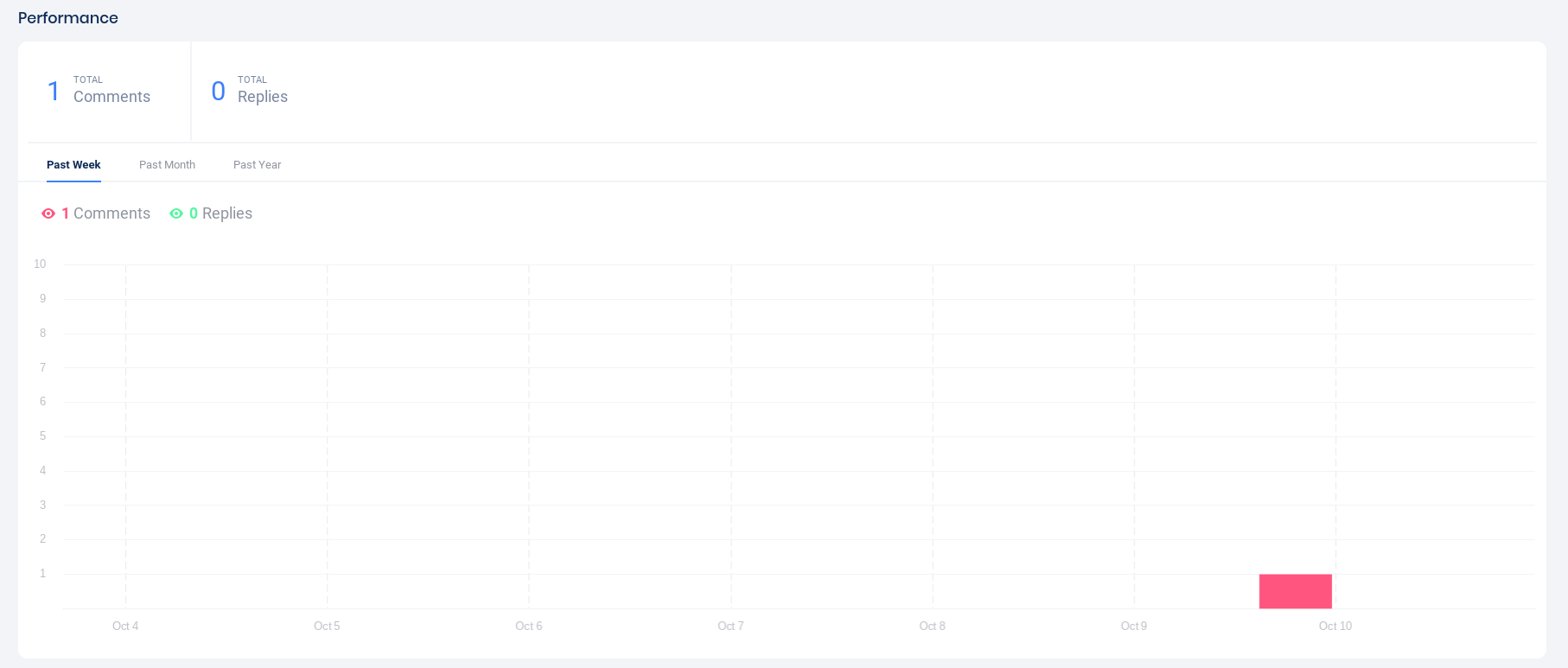
The comments are displayed below the Performance graph. Click Pick Winners to select winners, or Download to export the comments CSV.

In the panel that opens to the right, you can select the number of winners you’d like to draw and some other criteria, then click Submit.
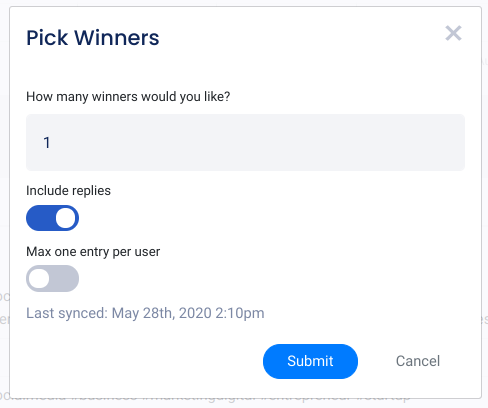
The winner’s comment is displayed below under the Picked tab. This does not notify the winner or post to your account, so if you need to, you can un-pick that winner and pick again.

*Since Instagram no longer returns usernames via their API, we have hyperlinked each sync’d comment in your Woobox dashboard and in your Comments export to the user’s original comment on your post. Simply click on the blue comment in the dashboard and it will open the entrant’s comment on your post so you can message the user or retrieve the username:


If your Instagram posts are not appearing in the Comment Picker section, make sure that you login using the Facebook sign in method and grant Instagram permissions if needed. More information on IG connection issues in this article.