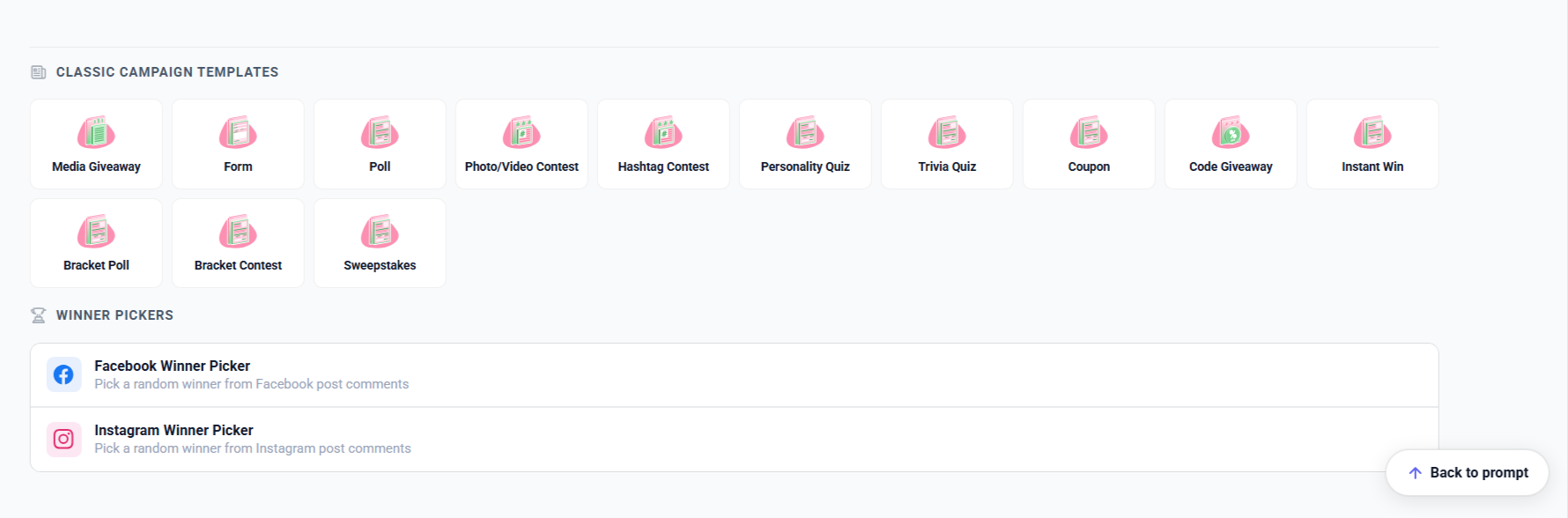
*The screenshots shown in this article feature the dashboard and settings for Classic Campaign Templates.
All Woobox campaigns (both Classic and AI Site Builder) are hosted on their own micro-site or landing page. This also means that there are no sizing restrictions, so you can have a full-width background and/or change the content width. Don’t worry though, if you decide later to embed the campaign in your website, you can still do that at any time.

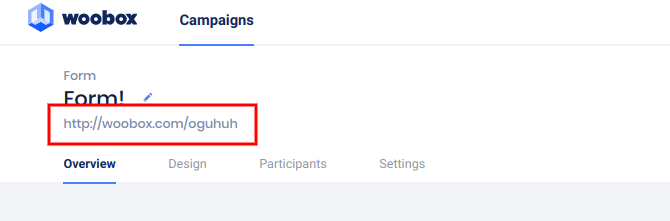
Each campaign will have its own URL and when it’s clicked, the campaign will load on its own dedicated landing page. This URL can be shared in social media posts, email blasts, just about anywhere.
You will still have all of the social following and sharing options, such as the Facebook like button, or Twitter/X and Instagram follow buttons in the Form element. You can also keep the Share element(s) so entrants can share to social media or directly with their friends.

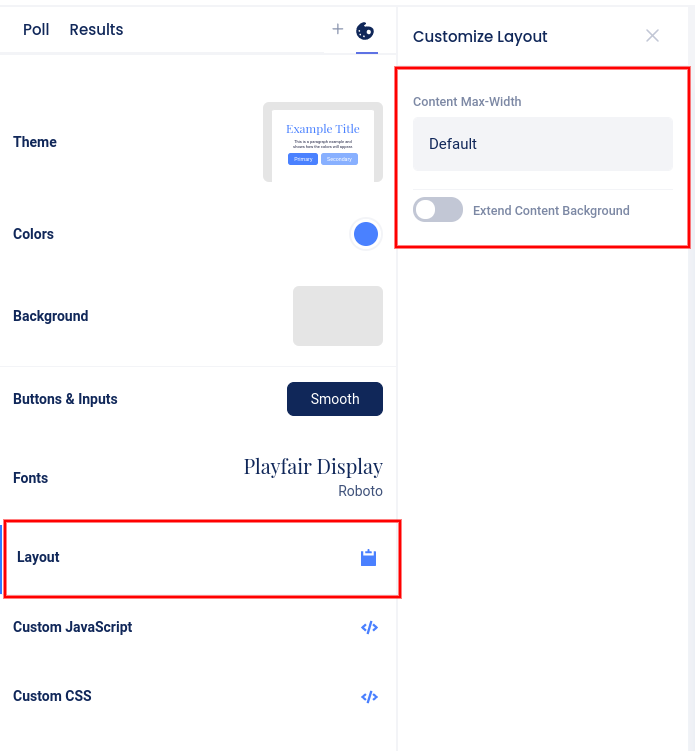
The content width can be changed in the Design section by clicking Layout. Here you can select between Default, Large, and Full-Width, or click the “Extend Content Background” toggle switch to keep the fields the same size but fully extend the content background.